

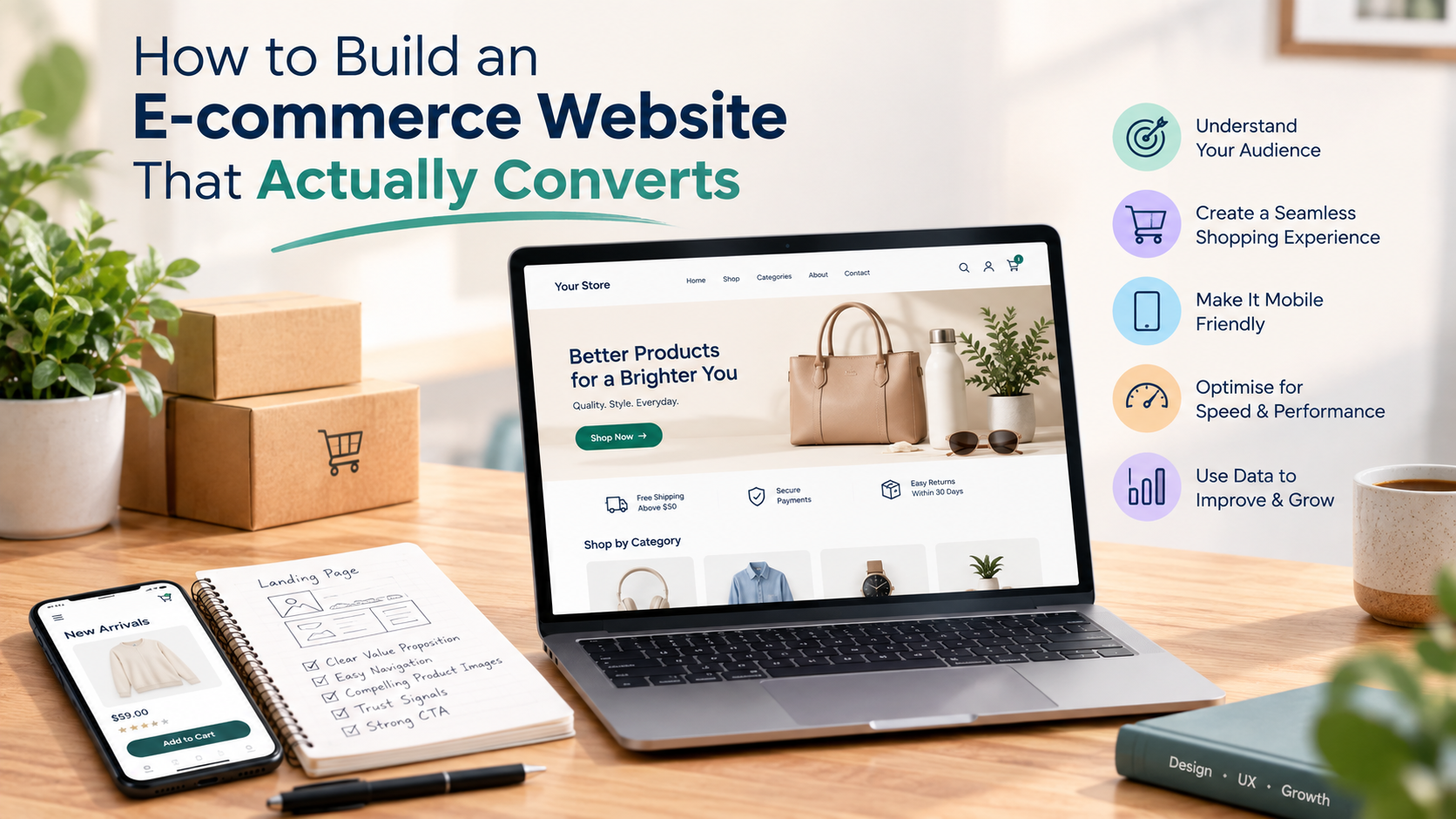
How to Build an E-commerce Website That Actually Converts
Learn how to build an e-commerce website that converts visitors into buyers. A complete step-by-step guide covering platform selection, UX, SEO, checkout optimization, and more, from a trusted web development company in Punjab.
The Real Problem With Most E-commerce Websites
Here is something most web development agencies will not tell you upfront: getting an e-commerce site live is the easy part. Getting it to actually sell something, consistently, reliably, and at scale, is where most businesses struggle.
You can have a beautifully designed online store with hundreds of products, fast hosting, and a decent ad budget. But if the checkout is confusing, the product pages do not answer the right questions, or the site loads slowly on mobile, visitors will leave without buying. Most of them will not come back.
This guide is not about building just any e-commerce website. It is about building one that converts.
We will walk through every step, from choosing the right platform to optimising for trust, speed, and sales, with the kind of detail that actually helps you make good decisions.
Before You Build: Understand What "Converting" Actually Means
Conversion in e-commerce means a visitor completes a purchase. But conversion rate is not just one number. It is the result of dozens of smaller decisions stacking up correctly: a visitor lands on the right page, finds what they are looking for, trusts the store, has a smooth checkout experience, and completes the transaction.
Average e-commerce conversion rates by industry (2025):
| Industry | Average Conversion Rate |
|---|---|
| Fashion and apparel | 1.5% – 3.5% |
| Electronics | 0.8% – 2% |
| Home and furniture | 1% – 2.5% |
| Health and beauty | 2% – 4% |
| Food and grocery | 2.5% – 5% |
| B2B e-commerce | 0.5% – 1.5% |
These numbers tell you two things. First, most visitors do not buy, even on well-built stores. Second, improving your conversion rate from 1% to 2% effectively doubles your revenue from the same traffic. That is why the quality of your e-commerce build matters as much as your marketing spend.
Step 1: Choose the Right Platform for Your Business
The platform you build on will determine what you can and cannot do, both now and in the future. This is one of the most important decisions in e-commerce website development, and it is frequently made for the wrong reasons.
The Main Options and When to Use Them
Shopify
Best for: Small to mid-size stores, first-time e-commerce owners, businesses that want to launch quickly with minimal technical overhead.
- Fully hosted with no server management required
- Large app marketplace for extensions
- Good built-in SEO basics
- Monthly fees add up over time
- Limited customization without custom development
WooCommerce (on WordPress)
Best for: Businesses that already have a WordPress site, content-heavy brands, stores that want full control without enterprise pricing.
- Free core plugin and open source
- Highly customizable
- Strong SEO capabilities
- Requires hosting, maintenance, and more technical management
Magento (Adobe Commerce)
Best for: Mid to large businesses, multi-store operations, businesses with complex catalog management, B2B e-commerce, and brands that need deep customization.
- Available in open source (Community) and enterprise (Adobe Commerce) versions
- Handles very large product catalogs with ease
- Advanced B2B features including custom pricing, quotes, and purchase orders
- Multi-store and multi-language support built in
- Powerful Magento development ecosystem with extensions
- Requires experienced Magento development expertise to implement properly
- Higher initial investment, but the lowest total cost of ownership at scale
Custom-built E-commerce
Best for: Businesses with unique workflows, custom pricing logic, non-standard inventory models, or requirements that no off-the-shelf platform can handle.
How to Choose: A Quick Decision Framework
| Business Situation | Recommended Platform |
|---|---|
| Starting out, simple catalog, quick launch | Shopify |
| Content-first brand, SEO focus, moderate complexity | WooCommerce |
| Large catalog, multi-store, B2B, high growth trajectory | Magento development |
| Unique business model, custom logic required | Custom development |
| Manufacturing or wholesale with complex pricing | Magento (Adobe Commerce) |
Note: If you are based in Punjab or North India and are planning a mid-to-large e-commerce operation, working with a web development company in Punjab that has Magento development experience will save you significant time and cost compared to starting with a simpler platform and migrating later.
Step 2: Plan Your Site Architecture Before Touching the Design
Most businesses skip this step and pay for it later. Site architecture, meaning how your pages, categories, and navigation are organized, directly affects both user experience and search engine performance.
What Good E-commerce Architecture Looks Like
Homepage
├── Category Pages (e.g., Men's Clothing, Women's Clothing)
│   ├── Subcategory Pages (e.g., T-Shirts, Jeans, Jackets)
│   │   └── Product Pages
├── Collections / Sale Pages
├── Blog / Content Hub
├── About Page
├── Contact Page
└── Static Pages (Shipping, Returns, FAQs, Privacy)
Rules for E-commerce Site Architecture:
- Keep any product within 3 clicks from the homepage
- Use consistent, descriptive category names based on what your customers search for, not internal jargon
- Build your URL structure to reflect the hierarchy:
/category/subcategory/product-name - Every category and subcategory should have a dedicated landing page, not just a filter
- Plan your internal linking from the start
This matters for SEO because Google crawls your site following links. A flat, logical structure helps important pages get found and ranked. It also matters for UX because confused visitors do not convert.
Step 3: Design for Conversion, Not Just Appearance
Good e-commerce design is not about looking impressive. It is about making it easy for a visitor to find what they want, trust the store, and complete a purchase without friction.
Homepage Design Principles That Convert
Your homepage has one job: direct visitors to the right place as quickly as possible. It is not a portfolio. It is a navigation tool.
What your homepage must include:
- A clear value proposition above the fold, stating what you sell and why it matters
- Primary navigation with your top categories
- Search bar prominently placed
- Featured products or bestsellers
- Trust signals including reviews count, years in business, certifications, and secure payment badges
- A clear path to sale events, new arrivals, or featured collections
Product Page Design: Where Conversions Are Won or Lost
The product page is the most important page on any e-commerce website. If a visitor reaches a product page and leaves without buying, the rest of your site did not do its job.
A high-converting product page includes:
- Multiple high-quality product images covering front, back, detail, and lifestyle shots
- A clear, specific product title such as "Men's Slim Fit Oxford Cotton Shirt in Navy Blue" rather than "Blue Shirt"
- Price displayed prominently, with any discount clearly shown
- Stock availability indicator that creates urgency when stock is low
- A prominent Add to Cart button placed above the fold
- Variant selectors for size, color, and quantity that are easy to use on mobile
- Product description that answers real questions about material, dimensions, care instructions, and compatibility
- Customer reviews displayed directly on the page
- Related products for cross-sells and upsells
- Shipping information and return policy summary
Key Insight: Most product pages fail because they answer the questions the seller wants to answer rather than the questions the buyer is actually asking. Write product descriptions from the buyer's perspective.
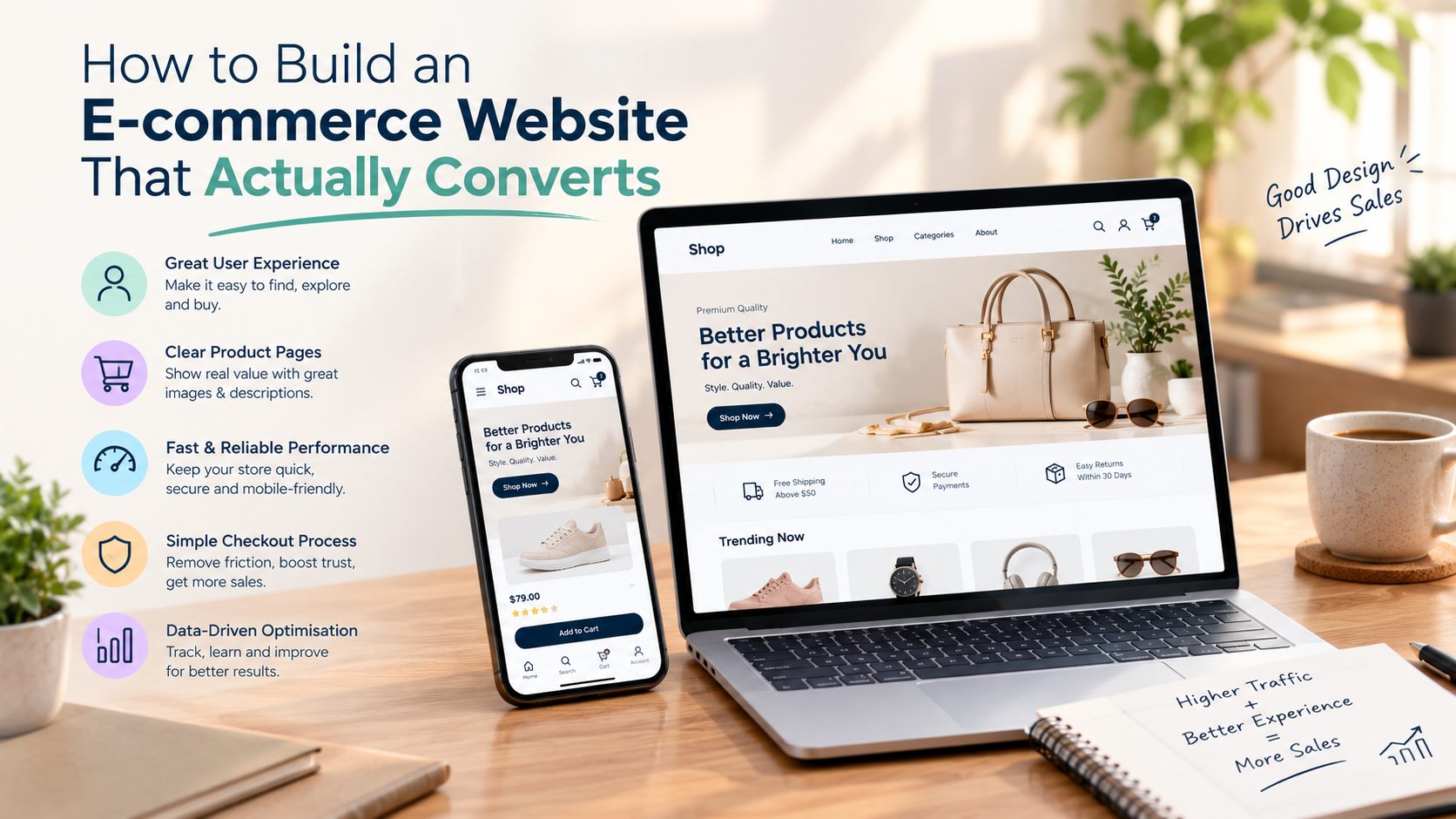
Step 4: Build for Mobile First, Not as an Afterthought
In India, over 70% of e-commerce traffic comes from mobile devices. If your site is not optimized for mobile, you are losing the majority of your potential customers before they even see your products.
Mobile-first does not mean building a mobile version after the desktop version. It means designing and developing for the mobile experience first, then scaling up for desktop.
Mobile Conversion Checklist:
- Touch Targets: Touch targets such as buttons and links are at least 44px x 44px
- Readable Typography: Fonts are readable without zooming, with a minimum of 16px body text
- Optimized Input Forms: Forms are easy to fill on a phone keyboard with autofill enabled and correct input types
- Fast Media Loading: Product images load quickly and swipe smoothly
- Thumb-Reachable CTAs: Add to Cart and Checkout buttons are easily thumb-reachable
- Responsive Navigation: Navigation collapses cleanly into an intuitive mobile menu
- No Layout Breaks: No horizontal scrolling anywhere on the site
- Real-Device Testing: Checkout works completely on mobile and is tested on actual devices, not just browser dev tools
Step 5: Optimize Site Speed Because Every Second Costs Sales
Site speed is one of the most direct factors affecting e-commerce conversion rates. The data is consistent and unambiguous:
- A 1-second delay in page load time can reduce conversions by 7%
- 53% of mobile users abandon a site that takes more than 3 seconds to load
- Google's Core Web Vitals directly affect search rankings
What Slows E-commerce Sites Down:
- Uncompressed images, which are the single biggest offender on most stores
- Poorly optimized theme or template code
- Too many third-party scripts including chat widgets, analytics, and retargeting pixels
- No caching layer in place
- Slow hosting, since shared hosting is not suitable for e-commerce
- Large JavaScript bundles that block rendering
Speed Optimization Steps:
- Compress and convert all images to WebP format
- Use a CDN (Content Delivery Network) to serve assets from servers close to your customers
- Enable browser caching
- Minify CSS, JavaScript, and HTML
- Use lazy loading for below-the-fold images
- Audit and remove unnecessary third-party scripts
- Choose hosting that is optimized for your platform. For Magento development, use a server configured specifically for Magento workloads
Target Benchmark: Your Largest Contentful Paint (LCP) should be under 2.5 seconds. Your Time to First Byte (TTFB) should be under 800ms. Check your scores regularly using Google PageSpeed Insights and GTmetrix.
Step 6: Build Trust Because Visitors Do Not Know You
This is the step most e-commerce guides gloss over, but it is one of the most powerful conversion levers available. When someone lands on your store for the first time, they have no reason to trust you. Your job is to build that trust before they reach the checkout.
The Trust Stack for E-commerce
1. Social Proof
- Customer reviews and ratings on product pages
- Total number of customers or orders served
- User-generated photos showing real customers using the product
- Video testimonials where possible
- Third-party review integrations such as Google Reviews and Trustpilot
2. Security Signals
- SSL certificate with HTTPS enabled, which is non-negotiable
- Trust badges from payment providers including Visa, Mastercard, Razorpay, and PayU
- Security certification badges such as McAfee, Norton, and SSL Secured
- Clear display of accepted payment methods
3. Policy Transparency
- Shipping policy explaining how long delivery takes and what it costs
- Return and refund policy explaining what happens if something goes wrong
- Both policies should be accessible from every product page and not buried in the footer
4. Brand Legitimacy Signals
- A real About Us page with team photos or the business story
- Contact information that is easy to find, including a phone number, email, and address
- Active social media presence
- Business registration or GST number displayed, which builds trust with Indian buyers
Step 7: Make Checkout So Easy It Feels Effortless
Cart abandonment is one of the biggest revenue leaks in e-commerce. The industry average cart abandonment rate is approximately 70%. That means 7 out of every 10 people who add something to their cart do not complete the purchase.
The most common reasons for cart abandonment:
- Unexpected shipping costs revealed only at checkout
- Forced account creation before purchasing
- A checkout process that is too long or complicated
- Concerns about payment security
- Limited payment options
Checkout Optimization Checklist:
- Offer guest checkout and never force account creation to complete a purchase
- Show shipping costs as early as possible, ideally on the product page or in the cart
- Reduce checkout to as few steps as possible, ideally 1 to 2 pages or a single-page checkout
- Show a clear progress indicator if checkout is multi-step
- Support multiple payment methods including UPI, credit and debit cards, net banking, EMI, and wallets for the Indian market
- Display security badges on the checkout page
- Auto-fill address using PIN code lookup
- Show the order summary at every step so customers always know what they are buying
- Send an automated cart abandonment email within 1 hour of abandonment
For Magento development, the platform supports one-step checkout extensions and highly customizable payment integrations out of the box, making it significantly easier to build a checkout experience that reduces abandonment.
Step 8: Set Up SEO From Day One
SEO for e-commerce is not something you add after the site is built. It needs to be baked into the architecture, content strategy, and technical implementation from the beginning. Getting this right is the difference between paying for every visitor and earning organic traffic that compounds over time.
Technical SEO Foundation
- Canonical URLs: Avoid duplicate content from product variants or filter pages
- Schema Markup: Add Product schema including name, price, availability, and reviews to every product page. This enables rich results in Google search
- XML Sitemap: Auto-generated and submitted to Google Search Console
- Robots.txt: Properly configured to block thin or duplicate pages from crawling
- Structured Internal Linking: From category pages to product pages and back
- Breadcrumbs: On every category and product page, which helps both UX and SEO
- Pagination: Properly handled so Google understands your catalog structure
On-Page SEO for E-commerce
Category Pages
- Unique, keyword-rich introductory copy at the top of each page
- Target the keyword your customers actually search, such as "buy running shoes online" rather than "Running Shoes Collection"
- Include H1, H2, and H3 tags that reflect natural search language
Product Pages
- Unique product descriptions written by your team and never copied from the manufacturer
- Target long-tail keywords such as "men's waterproof trekking boots for monsoon India"
- Include the product name in the title tag, H1, and first 100 words of the description
- Alt text on all product images that describes the product for both screen readers and Google
Blog and Content Marketing
- Create buying guides, comparison posts, and how-to content that targets informational search intent
- This brings in top-of-funnel traffic that eventually converts into sales
Step 9: Set Up Analytics and Track What Actually Matters
You cannot improve what you do not measure. Before launch, make sure your analytics setup is complete and accurate.
Analytics Stack for E-commerce:
- Google Analytics 4 (GA4): Core analytics platform to track sessions, users, traffic sources, and e-commerce events
- Google Search Console: Monitor organic search performance, indexing issues, and keyword rankings
- Google Tag Manager: Manage tracking scripts without needing developer involvement
- Heatmaps (Hotjar or Microsoft Clarity): See where users click, scroll, and drop off
- Conversion Funnel Tracking: Set up goals to track the full path from product view to add to cart to checkout to purchase
Key E-commerce Metrics to Track:
| Metric | What It Tells You |
|---|---|
| Conversion Rate | Percentage of sessions that result in a purchase |
| Add-to-Cart Rate | Percentage of product page visitors who add to cart |
| Cart Abandonment Rate | Percentage of carts that are not completed |
| Average Order Value (AOV) | Average purchase amount per transaction |
| Revenue Per Visitor | Overall site monetization efficiency |
| Bounce Rate by Page | Which pages are failing to engage visitors |
| Traffic by Source | Which channels are driving quality visitors |
| Return Customer Rate | Loyalty and repeat purchase behaviour |
Step 10: Launch, Then Optimize Continuously
Your e-commerce site is not a finished product the day it goes live. It is the starting point for a continuous cycle of testing, learning, and improving.
Pre-Launch Checklist
Technical Checklist
- All pages render correctly on Chrome, Firefox, Safari, and Edge
- All pages tested on iOS and Android devices
- SSL certificate active and HTTPS working sitewide
- 404 pages redirect to a relevant category or the homepage
- All payment methods tested end-to-end, including refund simulation
- Order confirmation emails sending correctly
- Inventory management connected and accurate
- Google Analytics 4 and Search Console verified and tracking
- XML sitemap submitted to Google
- Robots.txt reviewed and configured
- Site speed tested and LCP is under 2.5 seconds
Content Checklist
- Every product has a unique description, price, and at least one image
- All category pages have introductory copy
- Shipping, returns, and privacy policy pages are complete
- About and Contact pages are live and accurate
- No placeholder or lorem ipsum text anywhere on the site
Legal and Compliance Checklist
- Terms and Conditions page published
- Privacy Policy compliant with applicable laws
- Cookie consent banner in place if applicable
- GST number displayed for Indian stores
Post-Launch Optimization Cycle:
- Identify: Use analytics to find pages with high traffic but low conversion
- Hypothesize: Form a theory about why those pages are underperforming
- Test: Run A/B tests on one element at a time, such as the headline, button color, product image, or price positioning
- Measure: Wait for statistically significant results before drawing conclusions
- Implement: Roll out winning changes and document what worked
- Repeat: Start the cycle again with the next lowest-performing page
Why Magento Development Is the Right Choice for Serious E-commerce
If you are building an e-commerce operation with real ambitions, including multiple product lines, B2B and B2C customers, complex pricing rules, or plans to scale across markets, Magento development deserves serious consideration.
What Makes Magento the Platform for Serious Stores:
- Catalog Management at Scale: Magento handles tens of thousands of SKUs without performance degradation. This is something that commonly breaks Shopify and WooCommerce stores at scale
- Multi-Store from One Admin: Run multiple storefronts for different regions, brands, or customer segments from a single backend
- Built-in B2B Features (Adobe Commerce): Custom pricing per account, purchase order workflows, quote requests, and company account management are all native features
- Headless-Ready Architecture: Magento's API-first architecture allows you to decouple the frontend using React, Next.js, or Vue for blazing-fast storefronts while keeping Magento's powerful backend
- Vast Extension Ecosystem: Thousands of Magento extensions covering payments, shipping, loyalty programs, ERP integration, and more
- Full Code Ownership: No platform lock-in, no per-transaction fees, and no limitations on what you can build
Magento development does require experienced developers. It is not a DIY platform. Working with a skilled web development company in Punjab that has genuine Magento development expertise means you get all the power of the platform without the implementation risks.
What to Look for in a Web Development Company in Punjab for E-commerce
If you are planning to hire an external team for your e-commerce build, here is how to evaluate your options honestly.
What to Look For:
- A portfolio that includes e-commerce projects and not just brochure websites
- Demonstrated experience with the platform you have chosen. For Magento development in particular, expertise gaps are very costly
- A clear discovery and planning process before any development begins
- Transparent pricing with a detailed project scope and no hidden surprises
- Experience with payment gateway integrations for the Indian market including Razorpay, PayU, and PhonePe
- Post-launch support plan included in the engagement
- References from e-commerce clients you can speak to directly
Questions to Ask Before Signing:
- How many e-commerce projects have you completed in the last two years?
- Which platforms do you specialize in, and can you show live examples?
- How do you handle scope changes during development?
- What does your QA and testing process look like?
- Do you offer performance optimization as part of the build, or is it an additional cost?
- Who will own the code after launch?
A good web development company in Punjab will answer all of these questions directly, without vague promises or pressure to sign quickly.
Complete E-commerce Website Conversion Checklist
Use this checklist to audit your existing store or validate your build before launch:
Site Architecture and Navigation
- All products reachable within 3 clicks from the homepage
- Category and subcategory pages exist as dedicated pages and not just filters
- Search is prominent and functional
- Breadcrumbs visible on all product and category pages
Product Pages
- Multiple high-quality images per product
- Clear, keyword-optimized product title and description
- Price, stock availability, and variants displayed clearly
- Add to Cart button above the fold
- Customer reviews present on the page
- Shipping and returns summary visible
Trust and Security
- HTTPS enabled sitewide
- Payment badges visible at checkout
- Return and refund policy easy to find
- Contact information visible on every page
- About Us page with real business information
Mobile Experience
- Site tested on both iOS and Android
- Buttons and forms easy to use on mobile
- No horizontal scrolling
- Checkout fully functional on mobile
Speed and Performance
- LCP under 2.5 seconds
- Images compressed and in WebP format
- CDN in use
- Caching enabled
Checkout
- Guest checkout available
- Shipping costs shown before checkout begins
- Multiple payment methods supported
- Order confirmation email automated
SEO and Analytics
- Unique title tags and meta descriptions on every page
- Product schema markup implemented
- XML sitemap submitted
- GA4 tracking full e-commerce events
- Google Search Console connected
Frequently Asked Questions (FAQs)
The cost depends on the platform and complexity. A Shopify or WooCommerce store for a small business typically starts at ₹50,000 to ₹1.5 lakh. A mid-scale store with custom design and integrations ranges from ₹1.5 lakh to ₹5 lakh. A full Magento development project for a growing or enterprise business starts at ₹5 lakh and can go significantly higher depending on catalog size, custom features, and integrations.
A basic Shopify or WooCommerce store can be ready in 3 to 6 weeks. A mid-complexity custom-designed store takes 6 to 12 weeks. A Magento development project for a large catalog or multi-store setup typically takes 3 to 6 months. The timeline depends on the number of products, custom features, third-party integrations, and feedback loops.
Magento's open-source Community Edition is technically free to use, but it requires significant development expertise to set up and maintain correctly. For small businesses with simple catalogs and limited budgets, Shopify or WooCommerce is a better starting point. Magento becomes the right choice when a business has a large or complex catalog, B2B requirements, multi-store needs, or high growth targets.
There is no single deciding factor. Conversion rate is the product of many elements working together. That said, most e-commerce professionals agree that the highest-impact areas are product page quality (including images, descriptions, and reviews), checkout friction (simplicity and payment options), and site speed.
It depends on your starting point and growth plans. Shopify is faster to launch, easier to manage, and better for businesses that want to focus on selling rather than managing technical infrastructure. WooCommerce gives you more control, better SEO flexibility, and no per-transaction fees, but it requires more active management.
A professional web development company in Punjab provides a structured team of designers, developers, QA engineers, and project managers working with full accountability. For business-critical e-commerce sites where checkout security, payment integrations, and performance matter, a structured team with a proven process reduces risk significantly.
Yes, in most cases. If your existing site is on WordPress, WooCommerce can be added relatively easily. Migrating from one platform to another (e.g. from Shopify to Magento) is more complex and requires careful product data migration, URL mapping to preserve SEO, and thorough testing.
The Bottom Line
Building an e-commerce website that actually converts is not about finding the most features or the prettiest template. It is about making every step of the buyer's journey, from landing page to checkout confirmation, as clear, trustworthy, and frictionless as possible.
- Platform choice matters.
- Architecture matters.
- Speed matters.
- Trust matters.
- Checkout matters.
The businesses that get the most from their e-commerce investment are the ones that treat it as a long-term asset: built right from the start, measured consistently, and improved based on real data rather than guesswork.
Build a High-Converting E-commerce Store with Bhanguz Software Solutions
Whether you need custom e-commerce website development, enterprise Magento development, or conversion rate optimization, Bhanguz Software Solutions Pvt. Ltd. is your trusted partner.
As a leading web development company in Punjab with over 19 years of experience, our team of designers, Magento developers, and web engineers build custom, scalable, and high-converting digital solutions for businesses across India and globally.
Ready to scale your online sales? Contact Bhanguz Software Solutions today to discuss your e-commerce requirements.
Written by the team at Bhanguz Software Solutions Pvt. Ltd., a trusted web development company in Punjab with 19+ years of experience in e-commerce website development, Magento development, and custom digital solutions.
Related articles

Published June 11, 2026
How Bhanguz Builds Powerful Offshore Web Solutions Using MEAN, MERN, PHP & Flutter
 Author Name
4 min read

Published May 14, 2026
How Bhanguz Conducts Requirement Analysis for Every Project
Author Name
4 min read
